
Make It Easy for Interested Prospects to Take the Next Step
Give prospects a simple way to book a call, consultation, appointment, or meeting directly from your website, landing pages, and sales funnels. Then automate confirmations, reminders, and follow-up so opportunities don't fall through the cracks.

Let's Get Started for Free
✔ Free forever
💳 No credit card required.
Your email address is safe with us.
We never share your information with anyone.
What Is the Pre-Sold Client Systems Booking Calendar?
The built-in booking calendar makes it easy for clients to schedule appointments directly from your website, landing page, or sales funnel. Instead of using multiple scheduling tools, everything works together in one place.
Clients can choose an available time, pay for appointments if required, receive automatic confirmation and reminder emails, and instantly receive their meeting information. Your calendar stays synchronized with Google Calendar to help prevent scheduling conflicts, while Zoom and Google Meet integrations automatically create meeting links for virtual appointments. Every new booking is also added to your CRM, making follow-up simple and automatic.
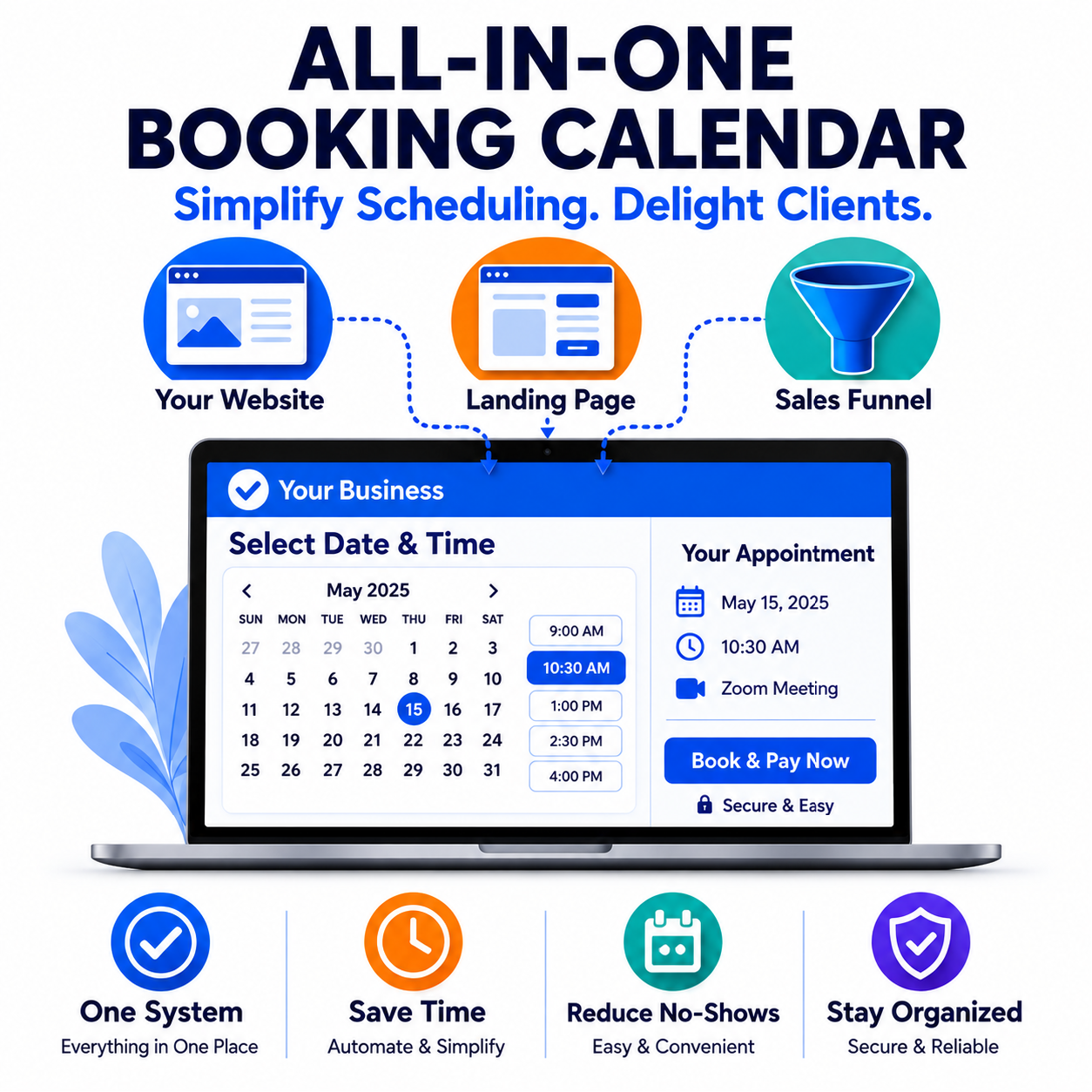
Everything You Need to Manage Your Schedule
A Fully Connected Online Booking System
Manage your appointments with an integrated scheduling solution designed to save time and simplify your business.
Build professional booking pages in just a few minutes with an easy drag-and-drop editor.
Keep your schedule accurate with two-way Google Calendar synchronization.
Accept payments or deposits during the booking process.
Automatically generate Zoom or Google Meet links and send confirmation and reminder emails.
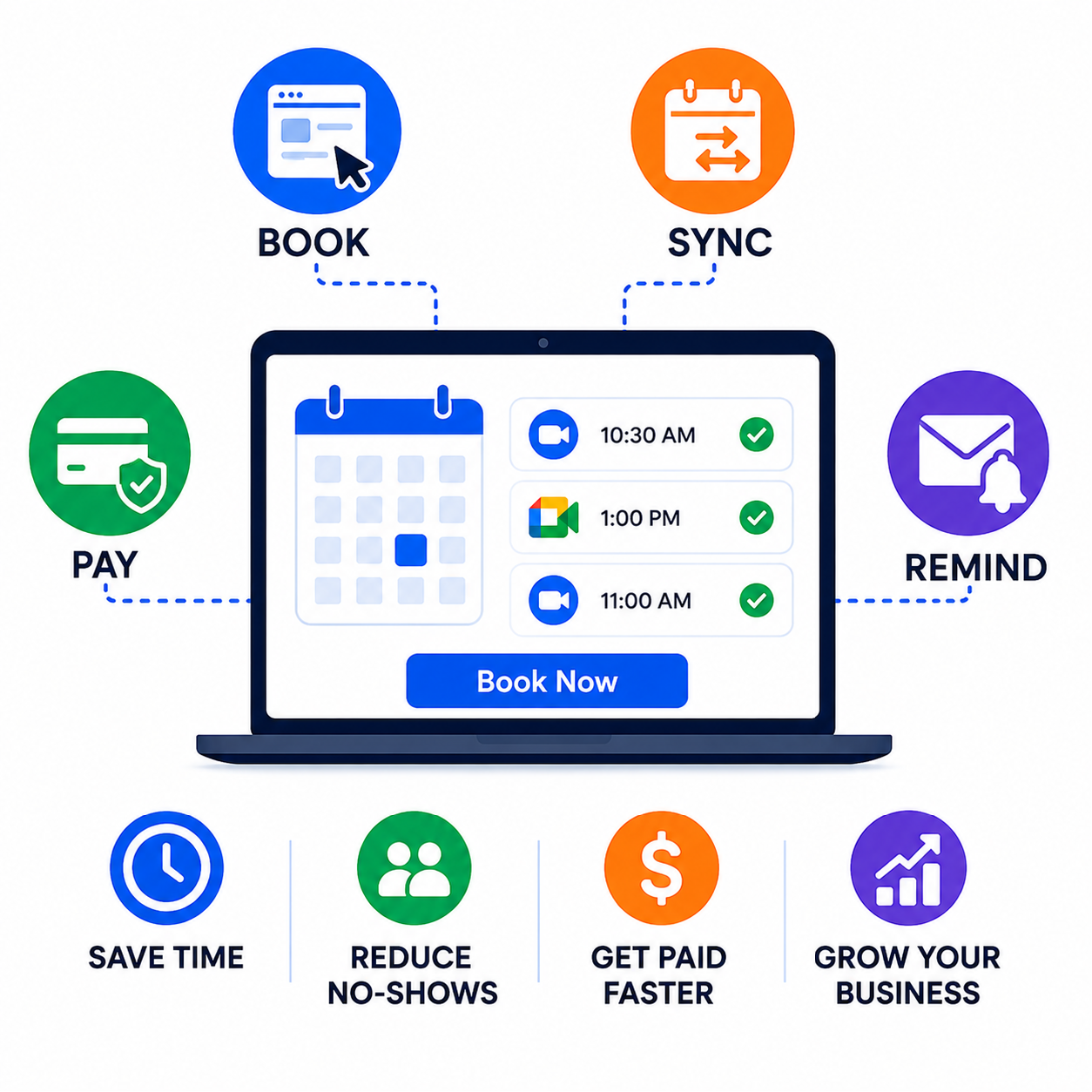
Connect Your Bookings Directly from Your Landing Page or Sales Funnel
Capture more appointments without phone calls.
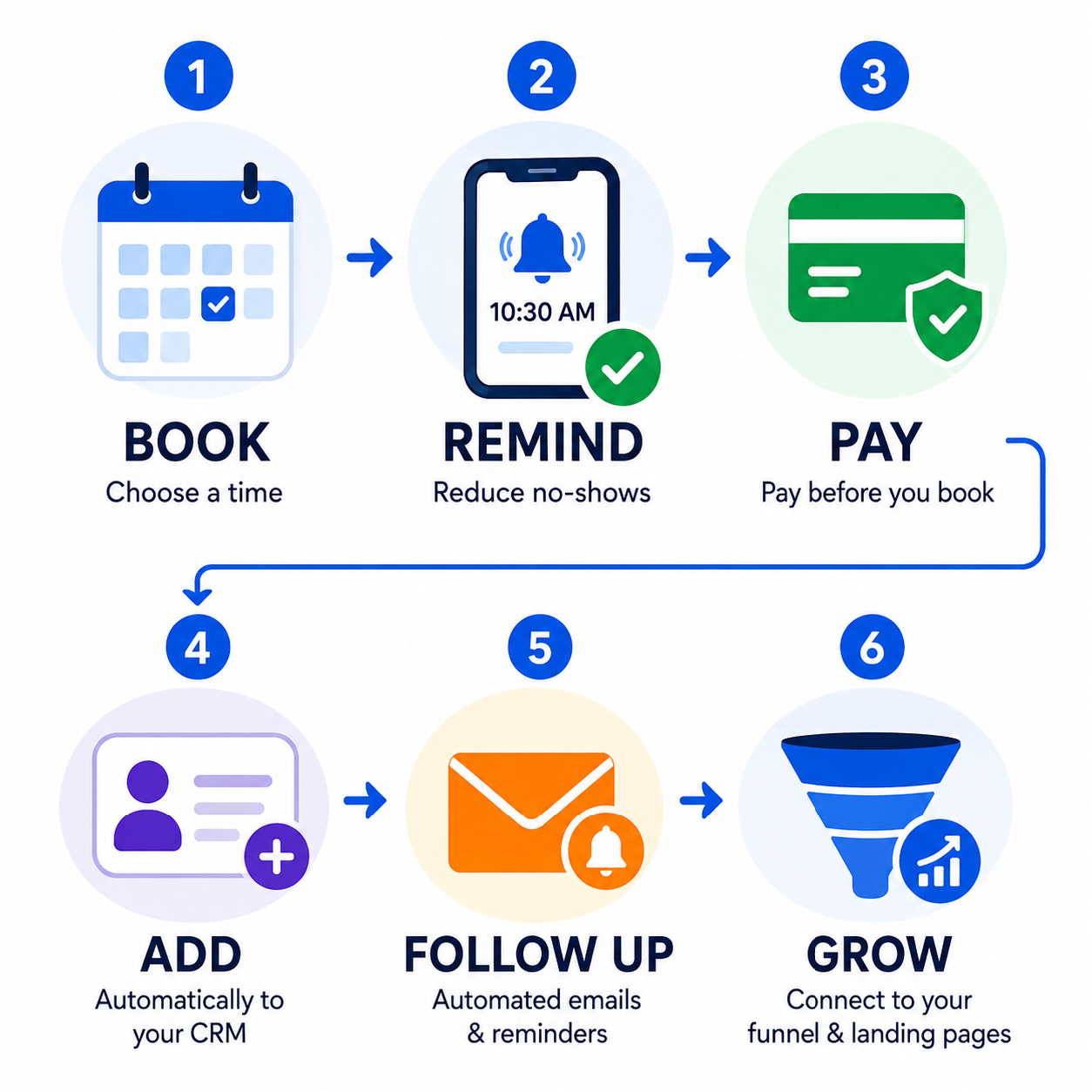
Reduce no-shows with automated reminders.
Get paid before the appointment.
Automatically add every booking to your CRM.
Trigger follow-up emails and marketing automations.
Connect scheduling directly to your sales funnels and landing pages.
Let's Get Started for Free
✔ Free forever
💳 No credit card required.
Your email address is safe with us.
We never share your information with anyone.
Everything You Need to Manage Your Schedule

Offer Different Appointment Types
Schedule One-on-One or Group Sessions
Whether you're offering private consultations, coaching sessions, discovery calls, classes, or workshops, you can create multiple appointment types to fit your business. Set attendee limits, meeting lengths, and availability, and let the system manage the scheduling automatically.

Connect Zoom or Google Meet Automatically
Instantly Create Online Meeting Links
Offer virtual appointments without the extra work. Every scheduled meeting can automatically generate its own Zoom or Google Meet link, while built-in email confirmations and reminders help clients arrive prepared and on time.

Control Your Availability
Create a Schedule That Works for You
Choose the days and hours you're available while setting appointment limits that fit your workflow. Add buffer time before or after meetings to avoid back-to-back appointments and give yourself time to prepare for the next client.

Stay Synced with Google Calendar
Two-Way Google Calendar Integration
Keep your business and personal schedules working together. Your booking calendar automatically synchronizes with Google Calendar, helping prevent scheduling conflicts and ensuring your availability stays up to date across all your calendars.
The Booking Calendar allows clients to reserve appointments online without calling or emailing you. Simply create your booking page, define your availability, choose appointment lengths, and decide how many appointments you want to accept each day. Once someone books, the system automatically sends confirmation emails, creates meeting links for virtual appointments, adds the contact to your CRM, and keeps your calendar updated.
Yes. The booking calendar is included as part of the platform, allowing you to create appointment types, manage your schedule, automate confirmations, and accept online bookings without purchasing separate scheduling software.
Absolutely. You can request full payment or collect a deposit during the booking process using supported payment providers. This allows clients to complete their reservation and payment in one simple step, reducing cancellations and eliminating the need to send invoices afterward.
For many coaches, consultants, contractors, wellness professionals, and service businesses, the answer is yes. The Booking Calendar includes the scheduling features most businesses need, including appointment types, calendar synchronization, automated reminders, payment collection, and virtual meeting integrations. Because it's part of an all-in-one marketing platform, you also gain access to email marketing, CRM, sales funnels, automation, and more without paying for separate subscriptions.
Moving to the Booking Calendar is straightforward. Create your booking page, configure your appointment types and availability, then replace your existing booking links on your website, landing pages, social media profiles, and email signature. Existing appointments remain on your previous scheduling platform until they're completed, while all new bookings will be handled through your new booking calendar.